The short answer
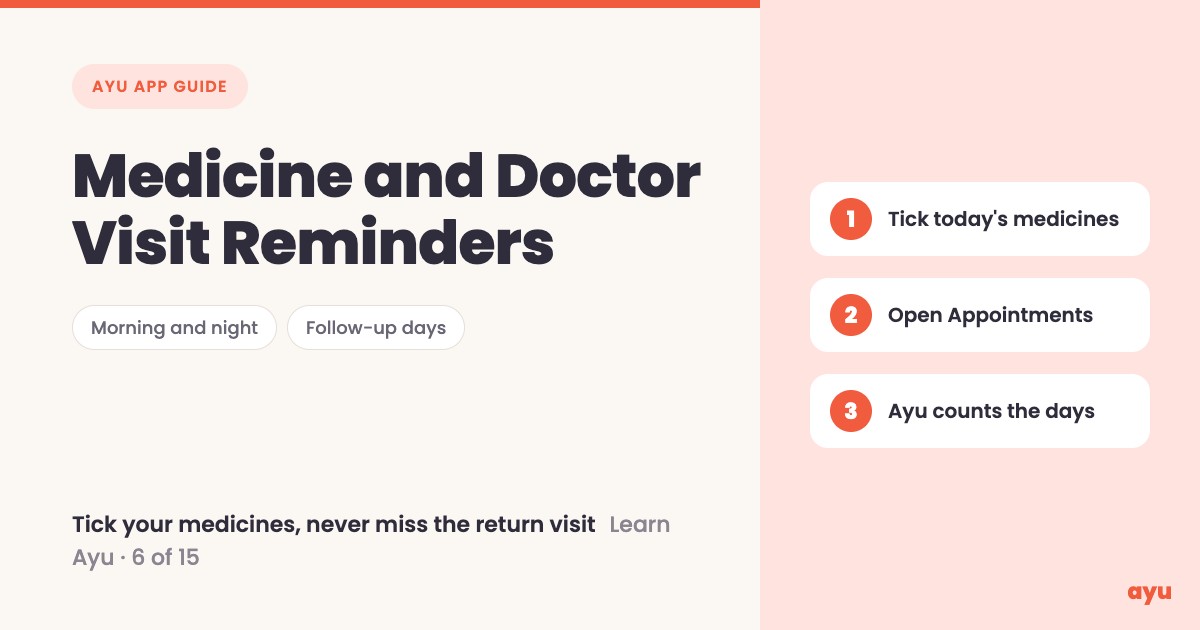
A good medicine reminder app tells you what to take today, lets you tick it off, and also remembers when to go back to the doctor. In Ayu, today's medicines show up morning and night. You tick each one, and Ayu remembers what you have taken. If the doctor says come back after 10 days, Ayu counts the days from today and sets the reminder.
The first video is the animated walkthrough in English. The second is Om, Ayu's founder, doing it on his own phone. Both are part of the series of all 15 tutorials.
Some days you cannot remember if you took your medicine
Most homes know this. It is 11 in the morning, the strip is on the table, and nobody is sure if the tablet was taken. With a parent on five medicines, a wrong guess either way is a worry. You ask, they say "yes, I think so", and you are still not sure.
The doctor's visit has the same problem. "Come back after 10 days" is easy to hear and easy to lose. Ten days later the slip is in a bag somewhere, and the follow-up happens late or not at all. Ayu handles both: the daily medicines and the return date.
How to set up medicine and doctor visit reminders, step by step
- Open the Medicines screen. Your reminders are listed there, morning and night.
- When you take a medicine, tap the tick next to it. Ayu remembers which medicines you have taken, day after day.
- Open the Appointments tab to see your doctor visits.
- If the doctor writes "come back after 10 days" on a prescription, Ayu counts the days from today.
- Ayu sets a reminder for that day, so you do not need to remember when to go back.
The reminders themselves come from your prescriptions. If you have not set any yet, read our guide on how to turn a prescription photo into medicine reminders first. To get your papers in, start with how to scan old prescriptions and reports.
What you will see
| Step | What you see |
|---|---|
| Open Medicines | Today's reminders, split into morning and night |
| Tap the tick | The medicine is marked as taken, and Ayu remembers it |
| Tick the whole morning | Morning is done, and night is next |
| Open Appointments | Your upcoming doctor visits in their own tab |
| Doctor says come back after 10 days | Ayu counts from today and sets a reminder |
If you have no visits saved yet, the Appointments tab simply says there are no upcoming appointments.
One honest limitation
The reminders are only as good as the prescription behind them. Ayu reads your papers with AI, and AI can misread a word or a dose, especially in handwriting. So check each medicine and timing against the original prescription, which stays in the app. For the follow-up date, check it against what the doctor wrote or told you.
Ayu also does not decide your treatment. It reminds you of what the doctor already told you to do. If something is unclear, ask your doctor.
You can get the app here: Ayu on Google Play or Ayu on the App Store.
Related guides
- Turn a prescription photo into medicine reminders
- Medical history app: all your records on a timeline
- Blood sugar tracker app: log every reading
- Never lose a prescription again
Frequently Asked Questions
Common questions and detailed answers about this topic
Disclaimer
This guide is written by the team that builds Ayu. Ayu does not replace your doctor and does not give medical advice. Reminders are a memory aid, not a prescription. Ayu reads documents with AI, which can misread a name, a dose or a date, so always check against the original paper and ask your doctor if anything is unclear.