The short answer
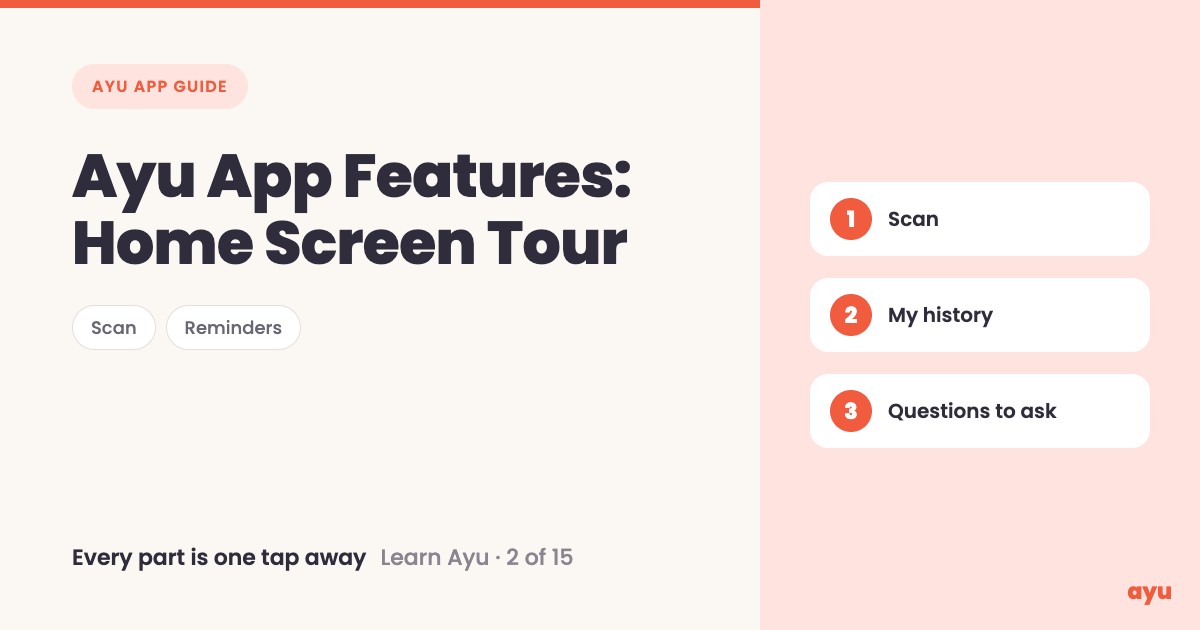
The Ayu home screen puts every main Ayu app feature one tap away. Scan opens the camera for prescriptions and reports. My medical history shows everything you have uploaded. Below those you can set medicine reminders, book an appointment and track your diabetes. At the bottom, Ayu suggests questions based on your own documents.
The first video is the animated walkthrough in English. The second is Om, Ayu's founder, going through the home screen on his own phone. This is episode 2 of 15. You can see all 15 tutorials on one page.
One screen instead of a drawer of papers
Most homes keep medical papers in a bag, a cupboard, or a WhatsApp chat that nobody can search. When a doctor asks "what were you taking last time?", the whole family starts digging.
So the first thing Ayu shows you is not a menu of settings. It greets you and asks where you should start. Under that is a short list of things to do. You do not have to learn the app before you use it. You pick the row that matches what you need today.
How to use the home screen, step by step
- Log in with your phone number. If you have not yet, read the login guide.
- Read the question at the top: where should we start?
- Tap Scan medical documents to open the camera and add a prescription or report.
- Tap My medical history to see everything you have uploaded.
- Tap Set medicine reminders, Book appointment or Track diabetes when you need them.
- Scroll below the list to the questions to ask, which Ayu suggests from the documents you have uploaded so far.
You can get Ayu on Google Play for Android or the App Store for iPhone. The app is free.
What you will see
| Row on the home screen | What it does |
|---|---|
| Scan medical documents | Opens the camera screen, where you can scan a prescription or report |
| My medical history | Shows all your medical data, whatever you have uploaded |
| Set medicine reminders | Opens your medicine reminders |
| Book appointment | Opens appointments |
| Track diabetes | Opens diabetes tracking |
| Questions to ask | Suggested questions, based on the documents you have uploaded till now |
Each of these has its own guide in this series. Start with scanning, then see how a prescription turns into reminders.
One honest limitation
The suggested questions depend on your documents. Om says they are based on what you have uploaded till now, so a brand new account has little to suggest. Upload a few documents first and the questions start to fit you. Also remember that answers from an AI can be wrong. Check anything important with your doctor.
Related guides
- Before this: Ayu App Login: Sign In With Just Your Phone Number
- Next: How to Scan Old Prescriptions and Reports on Phone
- See what is in the history row: Medical History App: All Your Records on a Timeline
- Never lose a prescription again: a complete guide
Frequently Asked Questions
Common questions and detailed answers about this topic
Disclaimer
This guide is written by the team that builds Ayu. Ayu does not replace your doctor and does not give medical advice. Suggested questions come from AI reading your documents and can be wrong, so check anything important with your doctor.