The short answer
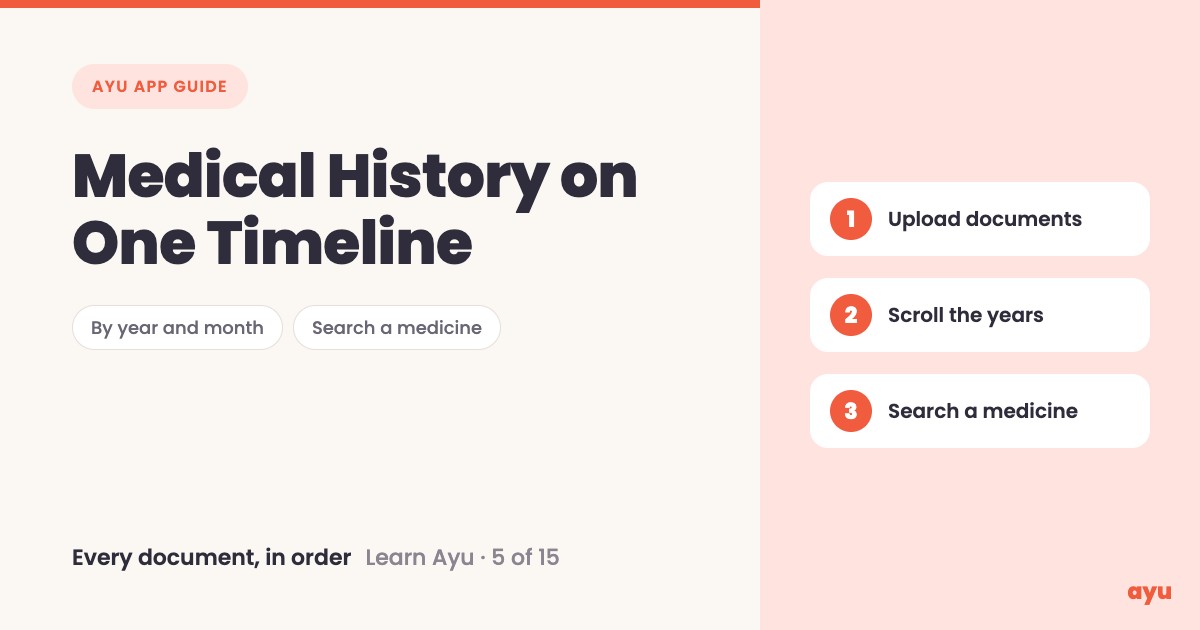
Ayu is a medical history app that puts every document you upload on a timeline by year and month. You upload your papers one by one. Ayu reads each one, even the doctor's handwriting, and files it on the right date. Scroll to any year, or type a medicine in the search bar to see the prescription it came from.
The first video is the animated walkthrough in English. The second is Om, Ayu's founder, using his own history. This is episode 5 of 15, and all 15 tutorials are on one page.
Which paper came first?
Every doctor visit leaves a paper behind. A prescription, a report, a bill. After a few years nobody remembers which came first, and the papers sit in a pile in no order at all.
That matters on the day a doctor asks, "When did this start?" or "What did you take last time?" You flip through the pile while the doctor waits. A timeline solves this by itself. It shows what happened, on what date, in what year, without you sorting anything. Om says it plainly: you only upload the documents, and Ayu builds the history for you. For a family, that means one clear record of the past few years instead of a pile that only one person understands.
How to build your timeline, step by step
- Install Ayu from Google Play or the App Store and log in.
- Upload your documents one by one. Use the scan guide for the ways to add them.
- Open My medical history from the home screen.
- Scroll through the years, then the months. Wherever your documents were uploaded, they show up.
- To find a medicine, type its name in the search bar. Ayu shows you the prescription it was in.
What you will see
| Step | What you see |
|---|---|
| Open My medical history | Your documents laid out as cards, with year and month pills above them |
| Scroll to another year | The cards change to the documents from that year |
| Pick a month | The cards from that month |
| Type a medicine in the search bar | The matching prescription card, marked so you can spot it |
One honest limitation
The timeline is only as complete as what you upload. Ayu cannot see the papers still lying in a drawer or in a relative's house. If a prescription is still in the cupboard, it is not on the timeline, and a search will not find it. Ayu reads each document with AI, and AI can misread a word, a date or a dose. If a date looks wrong or a medicine name looks odd, check it against the paper.
Related guides
- Before this: Turn a Prescription Photo Into Medicine Reminders
- Next: Medicine Reminder App With Doctor Visit Reminders
- Taking the timeline to the clinic: How to Share Medical Records With Your Doctor
- How to organise your family's medical records in India
Frequently Asked Questions
Common questions and detailed answers about this topic
Disclaimer
This guide is written by the team that builds Ayu. Ayu does not replace your doctor and does not give medical advice. Ayu uses AI to read your documents and AI can misread a word, a date or a dose, so check the result against the original paper.