The short answer
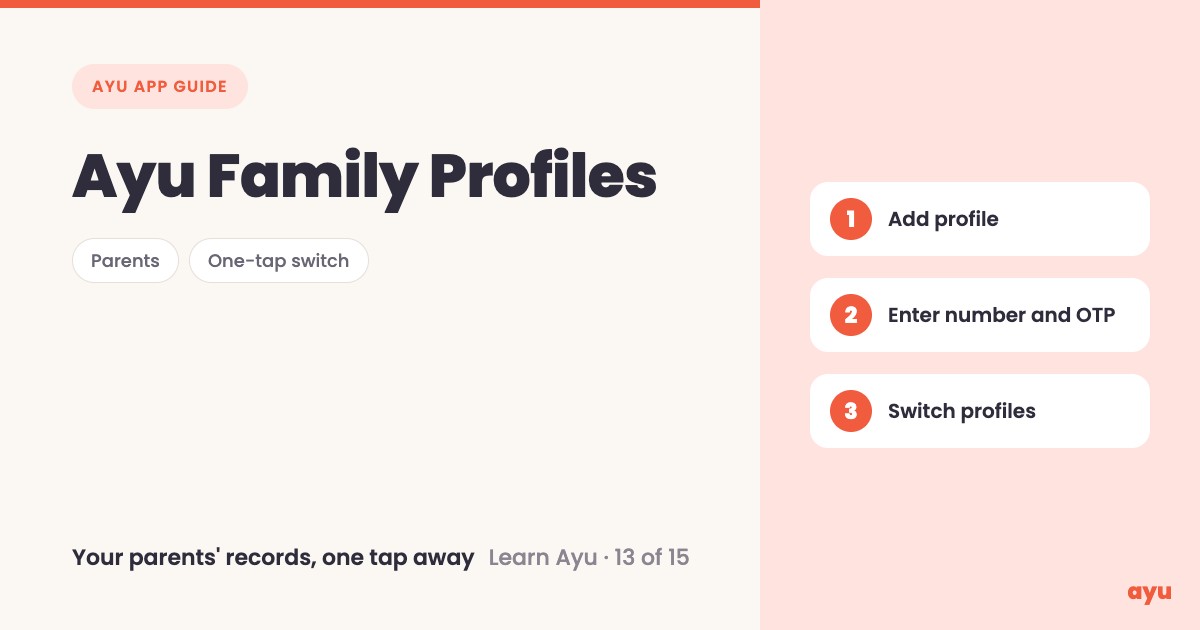
To keep your parents' medical records in one app, add them as a family profile in Ayu. Tap your name at the top, tap Add profile, enter their number and the OTP they receive. Their profile then sits beside yours. One tap switches between you, and either of you can upload for the other.
The first video is the animated walkthrough in English. The second is Om, Ayu's founder, doing it on his own phone. Browse all 15 tutorials in the series.
Your mom can use Ayu on her own phone. But then what?
Your mother can download Ayu. You can download Ayu. Both of you can add your own medical history. That part is easy.
The trouble starts when she calls you from the clinic and says "what was that medicine again?" Her records are on her phone and you are in another city. Or you want to see your father's old reports before his next visit, and they are in a file somewhere at home.
If you want to see her documents, and she wants to see yours, you add her as family. Then her history is one tap away from yours.
How to add a family profile, step by step
- Tap your name at the top of the app.
- Tap Add profile.
- Enter the phone number of the person you are creating the profile for.
- Ask them for the OTP. A six-digit code comes to their phone by SMS. Enter it so the profile is verified.
- Their profile now sits beside yours.
- Tap to switch to their profile and see their history.
- Upload documents for them, or let them upload for you.
Because the code goes to your parent's phone, they need to be around when you set this up, even if only to read the number out.
What you will see
| Step | What you see |
|---|---|
| Tap your name, then Add profile | A request for the number of the person you are adding |
| Enter the number | A six-digit code goes to that person by SMS |
| Enter the OTP | The profile is verified and appears beside yours |
| Switch profile | Their whole medical history and everything they have uploaded |
| Upload | Either of you can upload for the other. It works both ways |
| Open the chat | The chat remembers whose chat it is, so each profile's context stays separate |
That last row matters. If you ask Ayu a question while you are on your dad's profile, it answers from his records, not yours.
Ayu is free on Android from Google Play and on iPhone from the App Store.
One honest limitation
Adding a profile needs the OTP that goes to the other person's number. If they cannot receive or share that code, you cannot verify the profile. Also, anything the AI reads from a document can contain mistakes, so check against the paper when it matters.
Related guides
- Ayu Plus: what the family plan includes, for sharing with up to four family members
- Health app in Hindi and Marathi: change language, if your parents read in their own language
- Managing elderly parents' medical records in India
- How to organize family medical records in India
Frequently Asked Questions
Common questions and detailed answers about this topic
Disclaimer
This guide is written by the team that builds Ayu. Ayu does not replace your doctor and does not give medical advice. AI can misread a document, so check what it shows against the original paper, and ask your doctor about any health decision.