The short answer
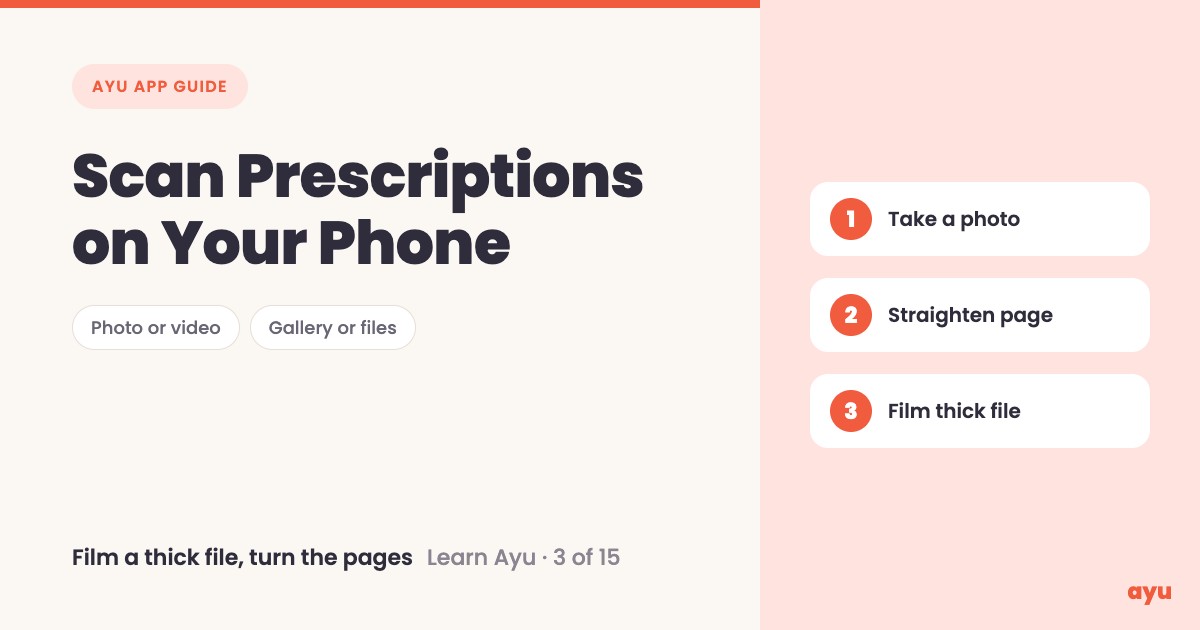
To scan a prescription on your phone with Ayu, tap Scan, point the camera at the paper and take a photo. You can also pick a picture from your gallery or a file from your phone. If the photo is crooked, the document scanner squares the page up. For a thick file, switch to video and turn the pages.
The first video is the animated walkthrough in English. The second is Om, Ayu's founder, scanning on his own phone. This is episode 3 of 15, and all 15 tutorials are on one page.
Every home has a file of old medical papers
Look in a cupboard in any Indian home and you will find it. A plastic folder, or a cloth bag, with years of prescriptions, lab reports, scan reports and bills. Some are faded. Some are folded in four.
Om points out that parents often cannot take a perfect photo. The paper curls, the light is poor, the phone is held at an angle. That is normal, and the app is built for it. You do not need a flat table or a steady hand to get the papers onto your phone. You only need to start, and the rest of this guide shows how.
How to scan, step by step
- Install Ayu from Google Play or the App Store, and log in.
- On the home screen, tap Scan medical documents. The camera opens.
- Pick how you want to add the paper. There are three ways in: your files, your gallery, or the scan button.
- To take a new photo, point the phone at the prescription and take it.
- If the photo is not perfect, use the document scanner. It finds the page and squares it up.
- For a file with hundreds of pages, switch to video mode. Film the file and turn the pages, that is all.
- Ayu reads every page for you, and the documents appear in your medical history.
What you will see
| Step | What you see |
|---|---|
| Tap Scan | A camera screen that says "Align the document within the frame", with Select from Gallery and files options |
| Use the scan button | The document scanner opens, finds the page and tells you to hold steady. You can choose manual or auto capture. |
| A crooked photo | The tilted page is straightened so it looks square |
| Video mode | The camera records while you turn the pages of a thick file |
| After upload | The pages go into your medical history as documents |
One honest limitation
Scanning gets the paper onto your phone, and the AI then reads it. A blurry, faded or torn page is harder to read, and AI can misread a word or a number. Check what Ayu has read against the paper in your hand, especially medicine names and doses. Keep the original paper until you have checked it.
Related guides
- Before this: Ayu App Features: A Tour of the Home Screen
- Next: Turn a Prescription Photo Into Medicine Reminders
- Where the scans end up: Medical History App: All Your Records on a Timeline
- Never lose a prescription again: a complete guide
Frequently Asked Questions
Common questions and detailed answers about this topic
Disclaimer
This guide is written by the team that builds Ayu. Ayu does not replace your doctor and does not give medical advice. Ayu uses AI to read your documents, and AI can misread a word or a dose, so always check the result against the original paper.