The short answer
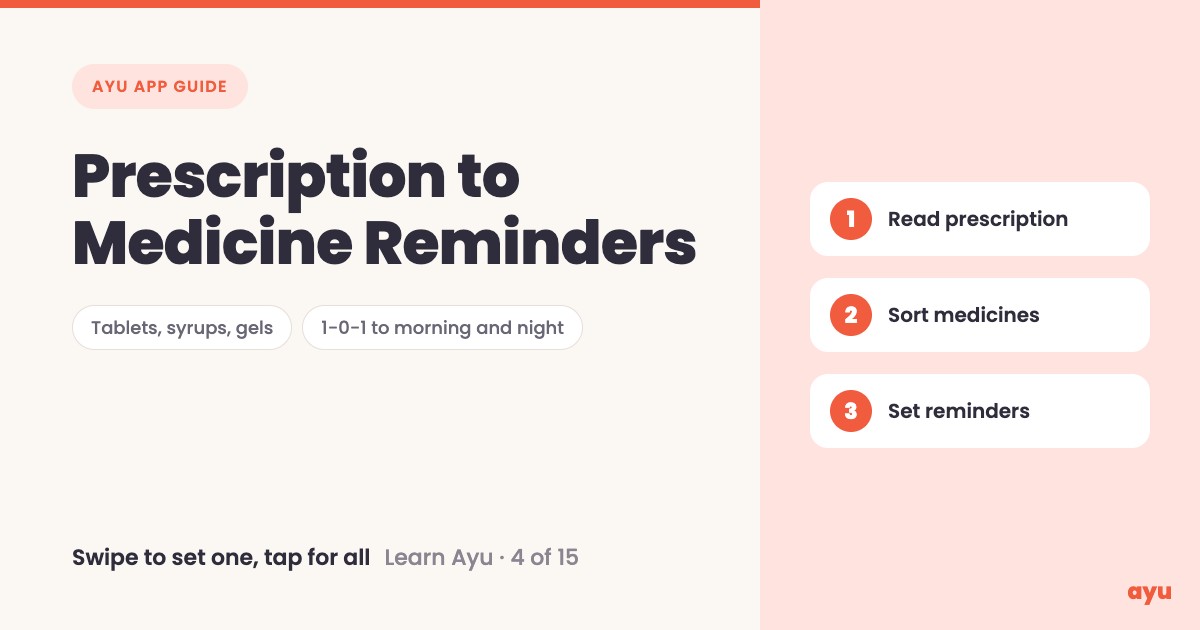
Take a photo of your prescription and Ayu turns it into medicine reminders. It reads the prescription, even the doctor's handwriting, sorts the medicines into tablets, syrups and gels, and turns 1-0-1 into morning and night. Swipe a medicine to set its reminder, or tap once to set them all.
The first video is the animated walkthrough in English. The second is Om, Ayu's founder, doing it on his own phone. This is episode 4 of 15, and you can find all 15 tutorials on one page.
A prescription is a plan, but it is hard to read
Every prescription says which medicine to take and when. The trouble is the way it is written. Handwriting is rushed. The timing is a code like 1-0-1, or a line like "before food", and the paper goes into a bag as soon as you leave the clinic.
At home, one family member remembers the plan and everyone else asks them. When that person is away, or forgets, doses are missed. A reminder on the phone is a simple fix, but typing every medicine and timing into a reminder app by hand takes patience that few people have after a doctor visit. This is the step Ayu does for you.
How to turn a prescription into reminders, step by step
- Scan or upload the prescription. The scanning guide shows how.
- Open the prescription from your history.
- Ayu reads it and splits the medicines into tablets, syrups and gels, with the timing the doctor wrote.
- Look at the timings. 1-0-1 shows up as morning and night.
- Swipe a medicine to set its reminder. Swipe the other way to remove it.
- To set everything at once, tap the clock button next to Medications.
- If the doctor only wrote "before food", Ayu suggests a time. Check it and set it.
What you will see
| Step | What you see |
|---|---|
| Prescription opens | A Medications list, grouped into Tablets, Syrups and Gels |
| Timing | Dots under Morning and Night for a 1-0-1 medicine |
| Swipe one way | A green Set Reminder panel |
| Swipe the other way | A dark panel to remove the reminder |
| Tap the clock button | Reminders get set for every medicine in the list |
| Before food, no time given | A Set Reminder sheet with a time suggested for you |
One honest limitation
Reading handwriting is the hard part, and AI can get a word or a dose wrong. Before you set a reminder, compare the medicine name, dose and timing on screen with the paper prescription. If something does not match, trust the paper and ask your doctor or chemist. The suggested time for a "before food" medicine is only a suggestion, so confirm it fits how you eat. Get the Ayu app for Android or iPhone and try it with a prescription you already know well.
Related guides
- Before this: How to Scan Old Prescriptions and Reports on Phone
- Next: Medical History App: All Your Records on a Timeline
- Ticking off doses and visit reminders: Medicine Reminder App With Doctor Visit Reminders
- Never lose a prescription again: a complete guide
Frequently Asked Questions
Common questions and detailed answers about this topic
Disclaimer
This guide is written by the team that builds Ayu. Ayu does not replace your doctor and does not give medical advice. Ayu uses AI to read prescriptions and AI can misread a word or a dose, so always check the medicines, doses and timings against the original paper before you rely on a reminder.