The short answer
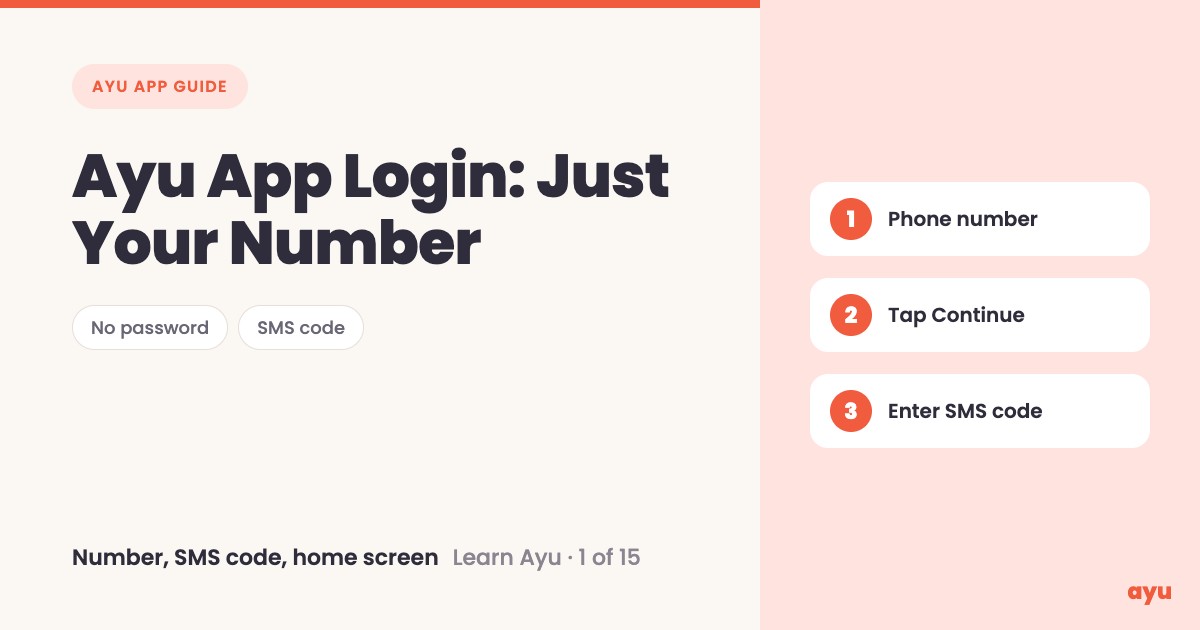
Ayu app login uses only your phone number. You type the number, tap Continue, and a six-digit code comes to you by SMS. Enter it and you are on the Ayu home screen. There is no password to set and none to forget, so it works the same for you, your mother or your father.
The first video is the animated walkthrough in English. The second is Om, Ayu's founder, logging in on his own phone. This is episode 1 of 15, and you can find all 15 tutorials in one place.
Why a phone number and no password
Think about the people who keep the medical papers in your home. Often it is a parent who is not comfortable with apps. Ask them to invent a password, with a capital letter and a symbol, and they will either give up or write it on a slip that gets lost.
A phone number is something everyone already knows. That is why Ayu starts there. You do not create an account with an email, and you do not remember anything new. You prove the number is yours with a code, and then you start adding your records. It is the first step, and it is meant to be the easiest one.
How to log in to Ayu, step by step
- Install Ayu from the Google Play Store on Android or the App Store on iPhone. The app itself is free.
- Open the app. It asks for your phone number.
- Type your 10-digit number. The country code +91 is already in the field.
- Tap Continue.
- Wait about ten seconds. Om says it takes about that long for the code to arrive.
- A six-digit code arrives by SMS. Enter it in the six boxes on screen.
- You land on the home screen, ready to start.
What you will see
| Step | What you see |
|---|---|
| Open the app | A screen that says "Enter your Phone Number", with a field that shows +91 and "10 Digit phone no." |
| Tap Continue | The screen changes to six empty boxes for the code. It says a 6 digit OTP has been sent to your number. |
| While you wait | A greyed-out Resend OTP and a "Changed your number?" option, in case you typed it wrong. |
| Enter the code | The six boxes fill with your digits. |
| Done | The Ayu home screen, with your options one tap away. |
If you typed the wrong number, use "Changed your number?" to go back and fix it. Do not wait for a code that is going to a different phone.
One honest limitation
Login depends on the SMS reaching you. The code is sent to the number you type, so you need that SIM in a phone that can receive messages. Om also says to wait about ten seconds, so give it a moment before you tap Resend OTP. And since there is no password, your phone number is how you sign in, so use a number you can receive messages on.
Related guides
- Next in the series: Ayu App Features: A Tour of the Home Screen
- Then try your first scan: How to Scan Old Prescriptions and Reports on Phone
- Setting this up for a parent: Ayu Family Profiles: See Your Parents' Records
- The best medical records app in India, compared
Frequently Asked Questions
Common questions and detailed answers about this topic
Disclaimer
This guide is written by the team that builds Ayu. Ayu does not replace your doctor and does not give medical advice. Screens can change as the app is updated, so what you see on your phone may look a little different from the videos.