The short answer
You can share medical records with your doctor from Ayu in a few ways. Show your timeline tab by tab, ask Ayu for a short summary, or scan the doctor's Ayu QR code so your files go straight to the doctor, only for the consultation. To share one document, tap share, then Copy Link, and send it on WhatsApp or the web.
The first video is the animated walkthrough in English. The second is Om, Ayu's founder, doing it on his own phone. Both are part of the series of all 15 tutorials.
Going to a doctor with a bag of papers
You know the scene. A thick plastic folder, reports in no order, and a doctor who has four minutes. You pull out one sheet after another while the doctor waits. Half the time the report you need is the one left at home.
Om puts it this way in his film: stop carrying files to the doctor. If your whole history is already on your phone, the job is only to get it in front of the doctor in a form that is quick to read. Ayu gives you three ways to do that, and a fourth for a single document.
How to share your records with a doctor, step by step
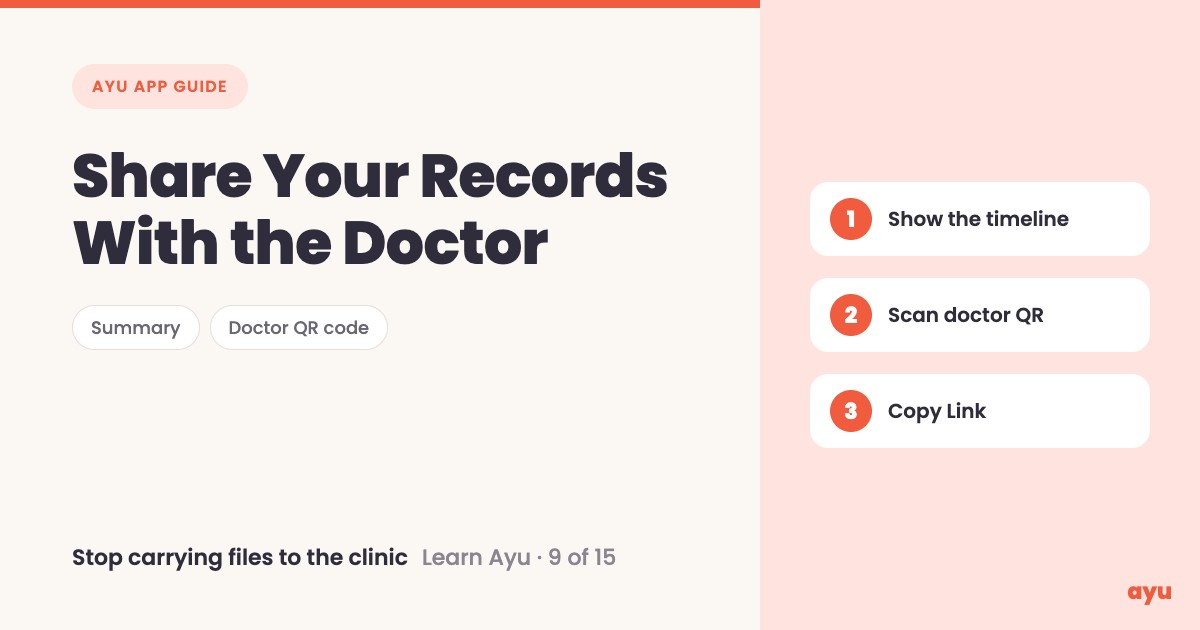
- Show the timeline. Open your medical history and show the doctor the tabs one by one.
- Share a summary. Ask Ayu for a short summary of your whole health, in a format you can tell your doctor.
- Scan the doctor's QR code. If your doctor has an Ayu QR code, scan it. Your files go straight to the doctor, only for the consultation. Om compares it to the UPI QR code every shopkeeper has.
- Send one document. Open the document, tap share, then Copy Link. You get a link you can send to anyone on WhatsApp or the web.
Before any of this, your papers need to be in the app. See how to scan old prescriptions and reports, or bring them in from email with Gmail sync.
What you will see
| Way to share | What happens |
|---|---|
| Timeline, tab by tab | The doctor reads your history on your phone |
| Ask Ayu for a summary | A short summary of your health to tell the doctor |
| Scan the doctor's Ayu QR code | Your files go to the doctor, only for the consultation |
| Share, then Copy Link | A link for one document, to send on WhatsApp or the web |
One honest limitation
Sharing by QR needs the doctor to have an Ayu QR code. If your doctor does not have one, use the other ways: show the timeline, share the summary, or send a document link.
The summary is also made by AI, and AI can misread a paper. Read it before you hand it over, and check anything that matters against the original document. A link is a link: send it only to people you want to see that document.
Get Ayu on Google Play or the App Store.
Related guides
- Medical history app: all your records on a timeline
- Ask AI about your health records
- Never lose a prescription again
- Best medical records app in India
Frequently Asked Questions
Common questions and detailed answers about this topic
Disclaimer
This guide is written by the team that builds Ayu. Ayu does not replace your doctor and does not give medical advice. Summaries are made with AI, which can misread a document, so check important details against the original paper. Share links only with people you trust to see that document.