The short answer
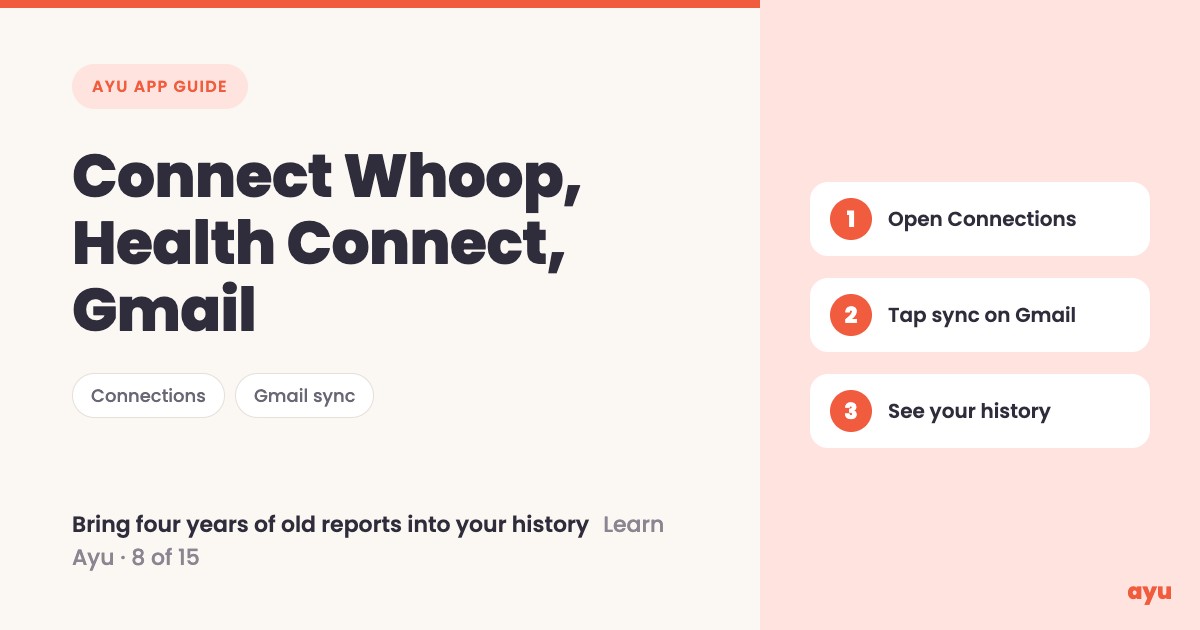
You can import lab reports from Gmail into Ayu with the Connections option. Open Connections, connect your Whoop or Google Health Connect (or Apple Health), and tap sync on Gmail. Ayu brings in four years of medical records, sorts them and puts them into your medical history. Om, Ayu's founder, calls it the best way to start.
The first video is the animated walkthrough in English. The second is Om doing it on his own phone. Both are part of the series of all 15 tutorials.
Your health lives in many places
Think about where your health information actually sits. A fitness band on your wrist. A health app on your phone. And your email, where every lab sends its report as a PDF the moment it is ready.
Most of us never gather these. The lab report from two years ago is somewhere in Gmail under a subject line we cannot remember. Starting a records app from zero, with an empty history, feels like a lot of work. The easier start is to let the app go and find what is already there.
How to connect your health data, step by step
- Open Ayu and go to Connections.
- To link a wearable or health app, connect your Whoop or Google Health Connect. Om's film also mentions Apple Health.
- To bring in old reports, find Gmail in the same screen and tap sync.
- Wait while Ayu brings in the records from the last four years.
- Open your medical history. The reports are sorted and already in it.
If you would rather add papers from your shelf too, see how to scan old prescriptions and reports. Once everything is in, your medical history timeline is the place to look.
What you will see
| Step | What you see |
|---|---|
| Open Connections | The places you can connect: Whoop, Health Connect and Gmail |
| Connect Whoop or Health Connect | Your wearable or health app linked to Ayu |
| Tap sync on Gmail | Ayu brings in medical records from the last four years |
| Open your medical history | The records sorted and placed in your history |
One honest limitation
The Gmail sync covers the last four years. A report older than that will not come in this way, so scan it from paper or upload the file yourself. Ayu also reads and sorts the records with AI, which can misread a detail. If a value matters, open the original report and check it.
The films show how to connect and sync. They do not describe what each wearable's data looks like inside Ayu, so we do not either.
Get the app on Google Play or the App Store.
Related guides
- Medical history app: all your records on a timeline
- How to scan old prescriptions and reports on your phone
- How to share medical records with your doctor
- Best medical records app in India
Frequently Asked Questions
Common questions and detailed answers about this topic
Disclaimer
This guide is written by the team that builds Ayu. Ayu does not replace your doctor and does not give medical advice. Ayu reads and sorts records with AI, which can misread or misfile a detail, so check anything important against the original report in your email or on paper.