The short answer
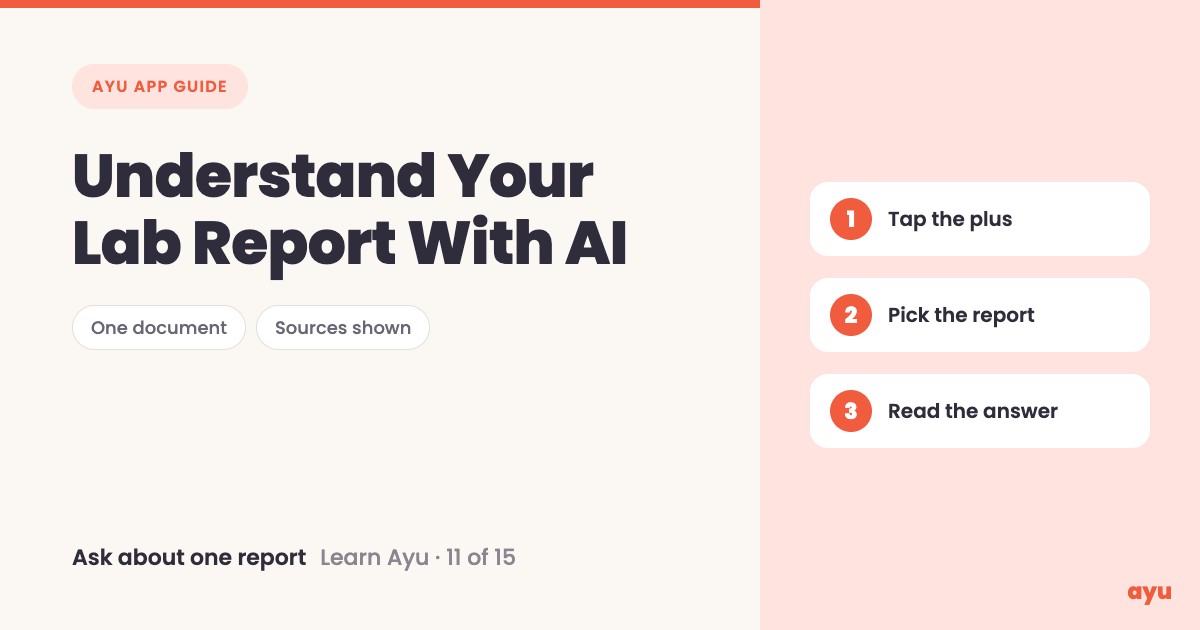
You can understand a lab report with AI by asking about that one report in Ayu. Tap the plus in the chat, pick the report from your history, and ask. Ayu tells you what the paper is, explains each word in plain language and shows where its answer comes from. Then take it to your doctor.
The first video is the animated walkthrough in English. The second is Om, Ayu's founder, doing it on his own phone. Both are part of the series of all 15 tutorials.
A report is full of words nobody explains
Every family has this moment. The report comes back from the lab. It has columns, short forms, a range printed next to each line. The doctor gives it two minutes and says "all fine" or "we will watch this". You nod. On the way home, you still do not know what half the words meant.
Googling each word does not help much. You land on ten different pages, some of them scary, none of them about your paper. What you want is simple: explain this report, the one in my hand, in words I use at home.
That is what asking about one document is for. You do not ask a general question into the void. You attach the report and ask about it.
How to ask about one document, step by step
- Open the Ask Ayu chat.
- Tap the plus button next to the message bar.
- Attach what you want to ask about. You can add a photo or a document, or pick anything you have already uploaded from My history.
- Pick the report from your history.
- Type your question about that report.
- Send it and wait while Ayu reads the document.
- Read what the paper is, then the explanation of each word.
- Look at the sources shown under the answer.
If you have not uploaded the report yet, scan it first. Once it is in your history, you can come back to it any time.
What you will see
| Step | What you see |
|---|---|
| Tap the plus | Options to attach a photo or a document, or to pick from My history |
| Pick the report | The report sits above the message bar as an attachment, so you know which paper you are asking about |
| Ask and send | Ayu shows that it is processing the document |
| The first answer | What the report is and what it says |
| The explanation | Each hard word explained in plain language |
| Sources | Where the answer comes from. Om's film shows verified sources, like the US government's |
Om's film uses an eye report as the example. The same steps work for the reports in your own history.
You can get Ayu on Android from Google Play or on iPhone from the App Store. The app is free.
One honest limitation
AI can misread a document. A faded scan, a smudged number or a hurried handwritten line can all go wrong. So treat the explanation as a way to understand the paper, and check it against the original. For anything about what the result means for you, ask your doctor. Ayu explains words. It does not replace the person who examined you.
Related guides
- Ask AI about your health records in Hindi or Marathi, for questions across all your records, not just one report
- Medical history app: all your records on a timeline, where the reports you pick from live
- How to scan old prescriptions and reports on your phone
- Best medical records app in India
Frequently Asked Questions
Common questions and detailed answers about this topic
Disclaimer
This guide is written by the team that builds Ayu. Ayu does not replace your doctor and does not give medical advice. AI can misread a document, so always check what it says against the original paper and talk to your doctor about what a result means for you.