The short answer
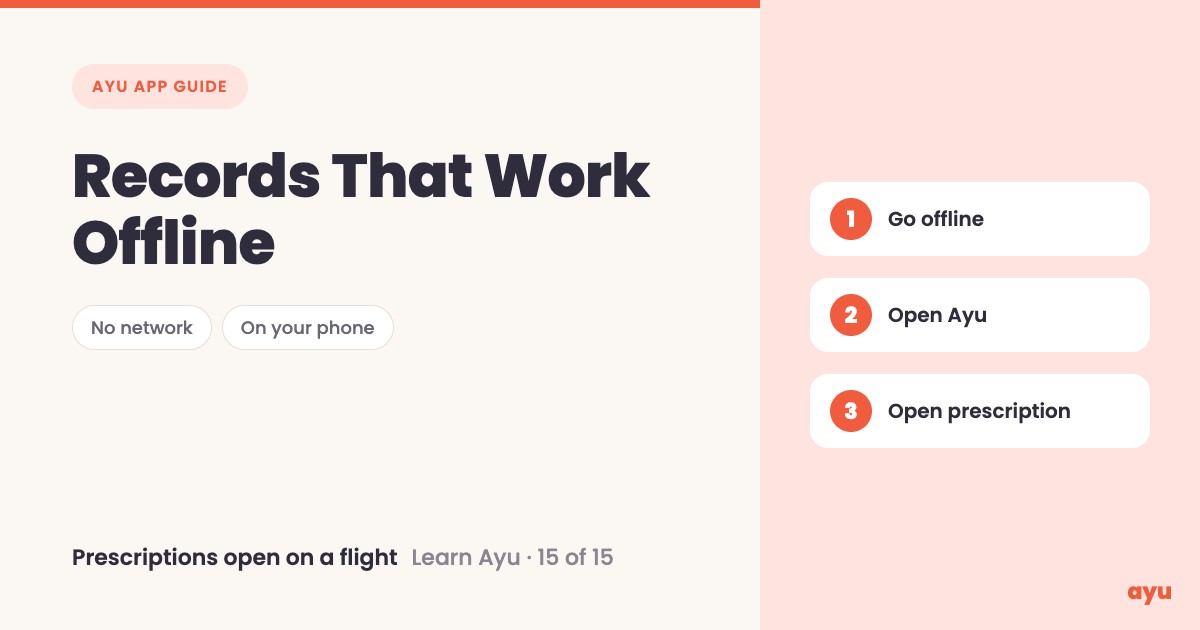
Yes, Ayu works without internet. It keeps what you add on your own phone. On a flight, in aeroplane mode or somewhere with no network, open Ayu anyway. The whole app still works, and your prescriptions open, because they are stored on your phone. It is an offline medical records app for what you have already saved.
The first video is the animated walkthrough in English. The second is Om, Ayu's founder, putting his own phone in aeroplane mode. Find all 15 tutorials in the series.
The moment you need the file is the moment there is no network
Records are needed at odd times. At 2 a.m. in a hospital basement where the signal drops. In a small town on the way to a relative's place. On a flight, when someone feels unwell and the crew asks what medicines they take.
If your records live only on a website or in a cloud folder, no network means no records. You are back to trying to remember doses from memory.
So we made Ayu keep your data on the phone. Put the whole app into aeroplane mode and it still opens.
How to check it works offline, step by step
You do not need to set anything up. A simple way to see it for yourself:
- Add your documents to Ayu while you have internet.
- Switch your phone to aeroplane mode, or go somewhere with no network.
- Open Ayu.
- Open your history.
- Open a prescription.
Do this test once at home, before you need it on the road.
What you will see
| Step | What you see |
|---|---|
| Open Ayu with no network | The app opens as usual |
| Move around the app | The whole app still works |
| Open your history | All your medical prescriptions are there |
| Tap a prescription | It opens, because the documents are stored on your device |
Ayu is free on Android from Google Play and on iPhone from the App Store.
One honest limitation
Offline covers what is stored on your phone. A document you never added to Ayu is not there to open. AI reading of a document can be wrong, so check against the paper when it counts.
Related guides
- Medical history app: all your records on a timeline, the history you open offline
- How to scan old prescriptions and reports on your phone, to get papers onto your phone first
- Never lose a prescription again: your complete guide
- Best medical records app in India
Frequently Asked Questions
Common questions and detailed answers about this topic
Disclaimer
This guide is written by the team that builds Ayu. Ayu does not replace your doctor and does not give medical advice. Offline access covers what is stored on your phone. AI can misread a document, so check against the original paper.